Connecting on Android TV
Download and install the Happ app:
App Setup
- Launch the Happ app.
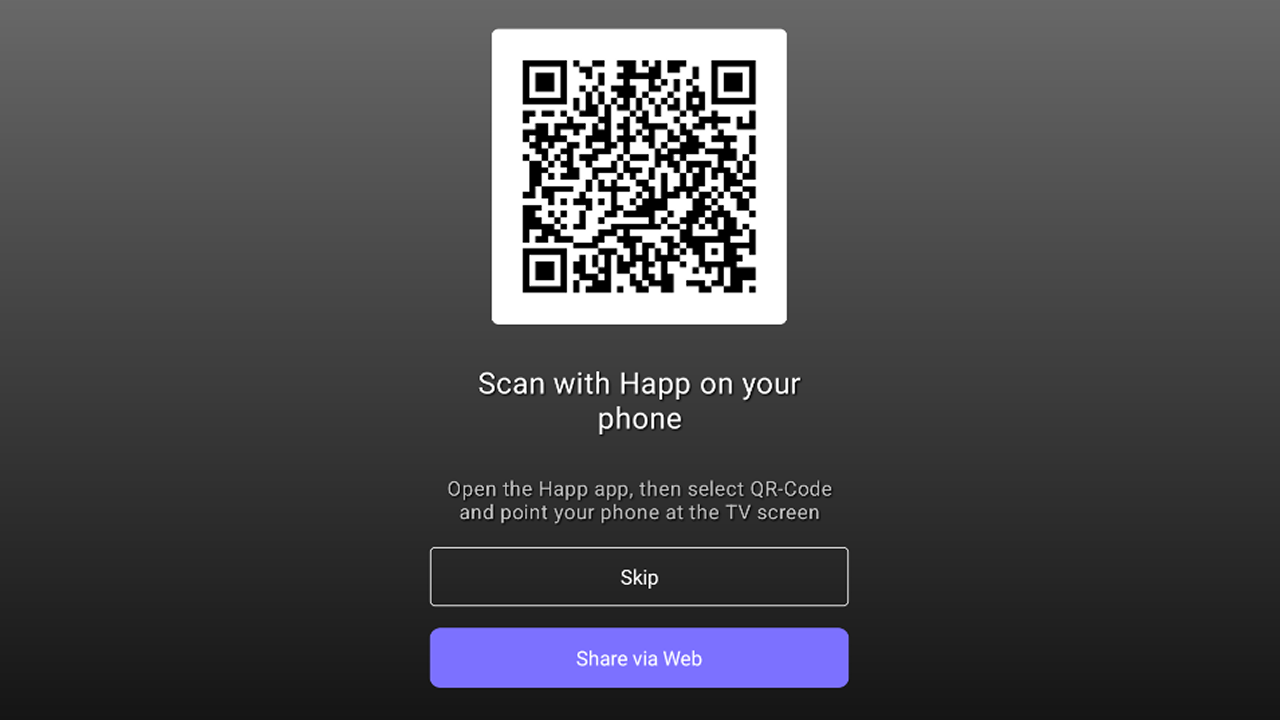
- You will see a QR-code. It must be scanned using the Happ app on your smartphone. Important! The servers must already be configured on the smartphone.
- Connection instructions:
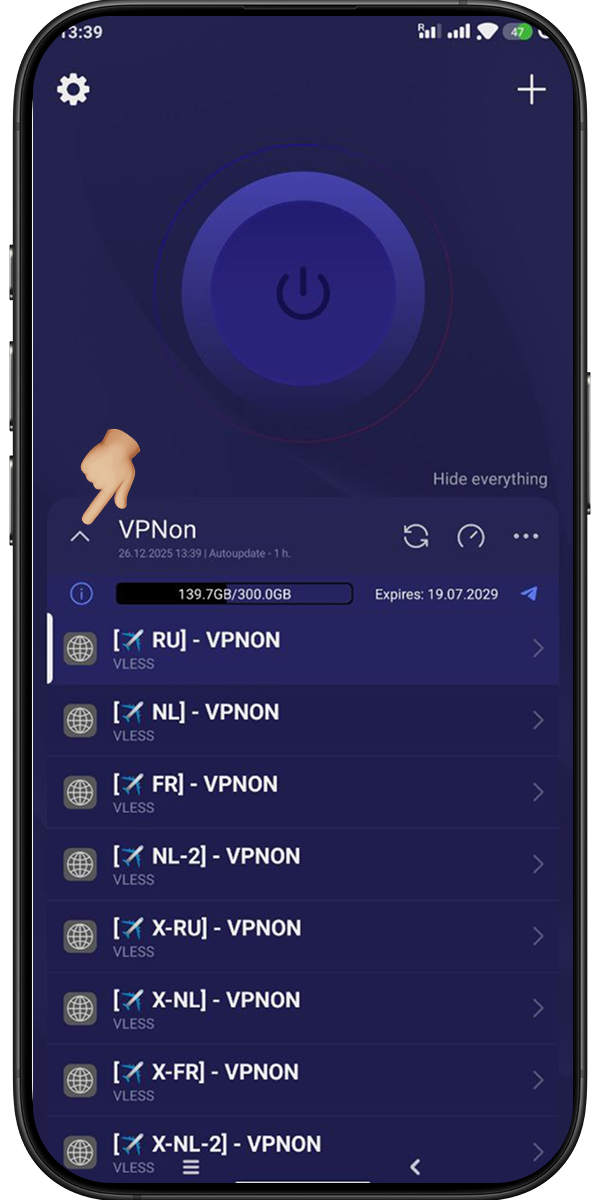
- Collapse the server list.
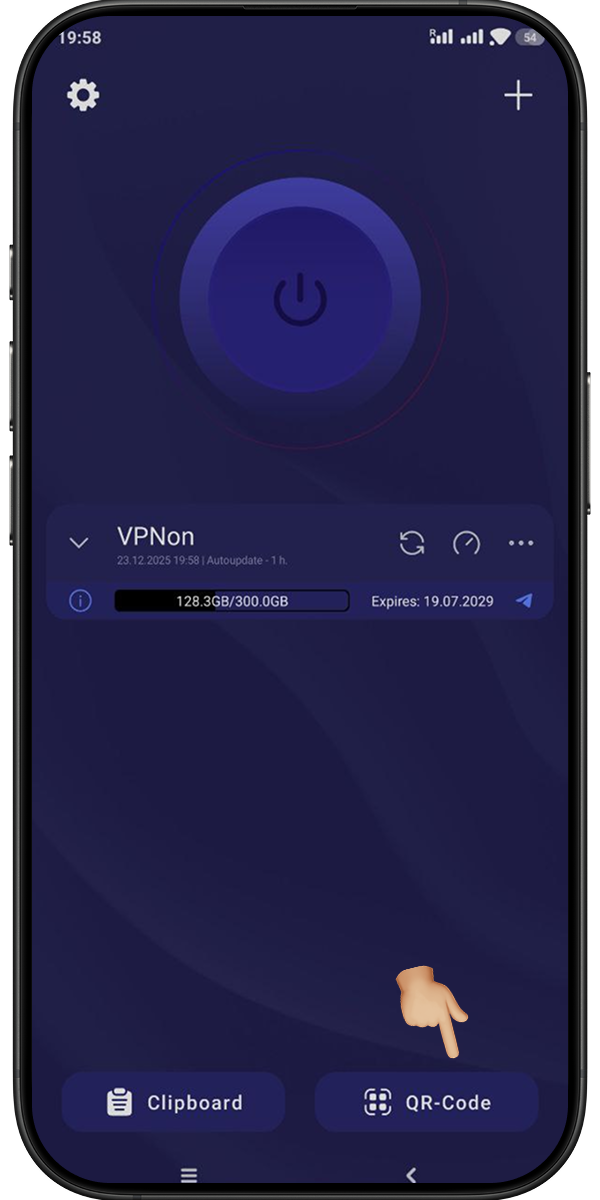
- Press the «QR-Code» button and scan it from the TV.
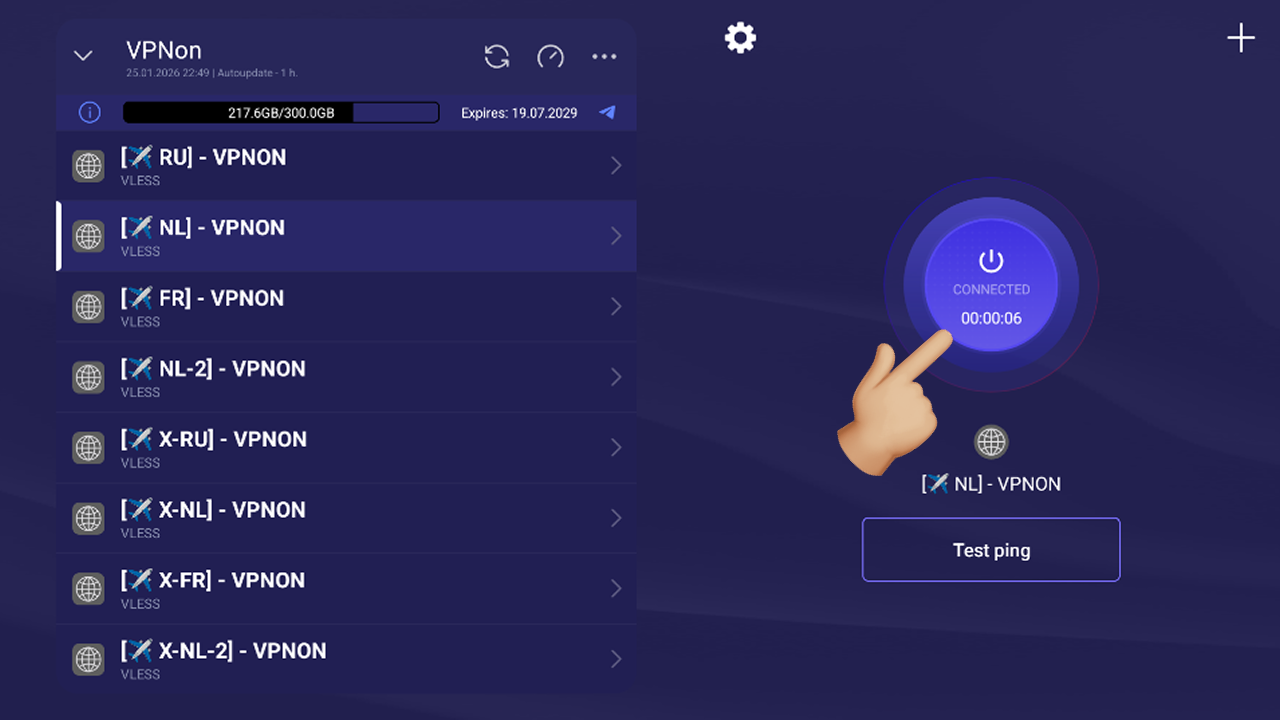
- The servers will be added to the app automatically. Select the required one from the list.
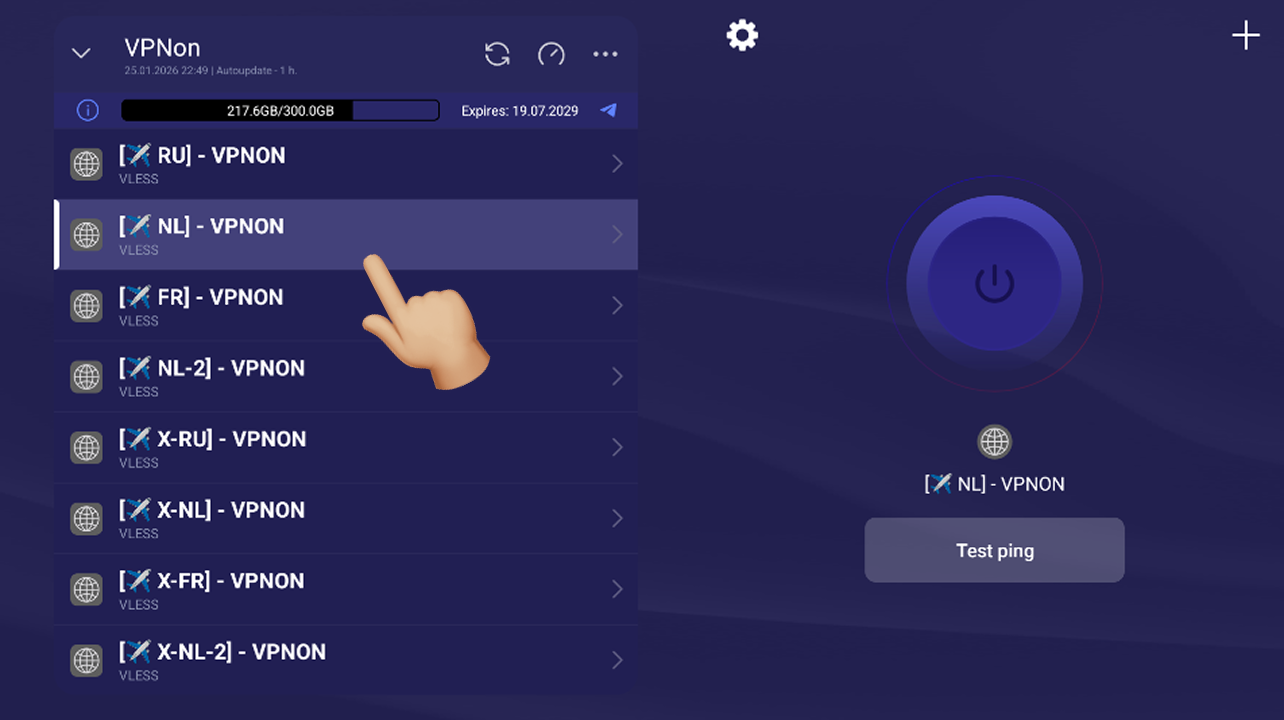
- Press the connect button and enjoy!