
Connecting on macOS
If the Happ app is not available in your App Store, first read the guide to changing App Store region.
Download and install the Happ app:
- App Store Global version
- App Store Russia version
- Direct installation
App Setup
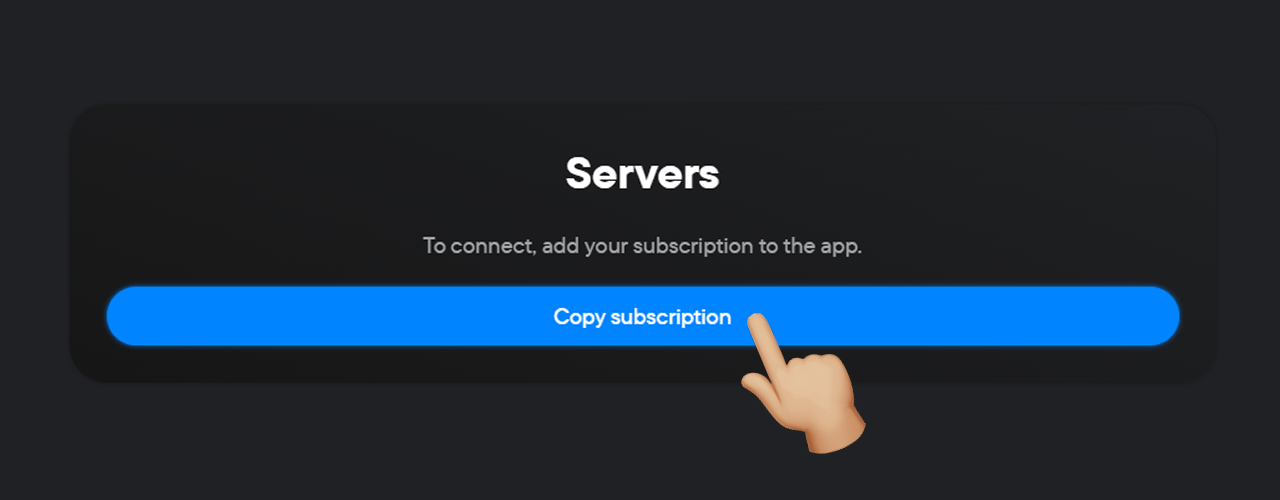
- Click the Copy subscription button in your personal account.
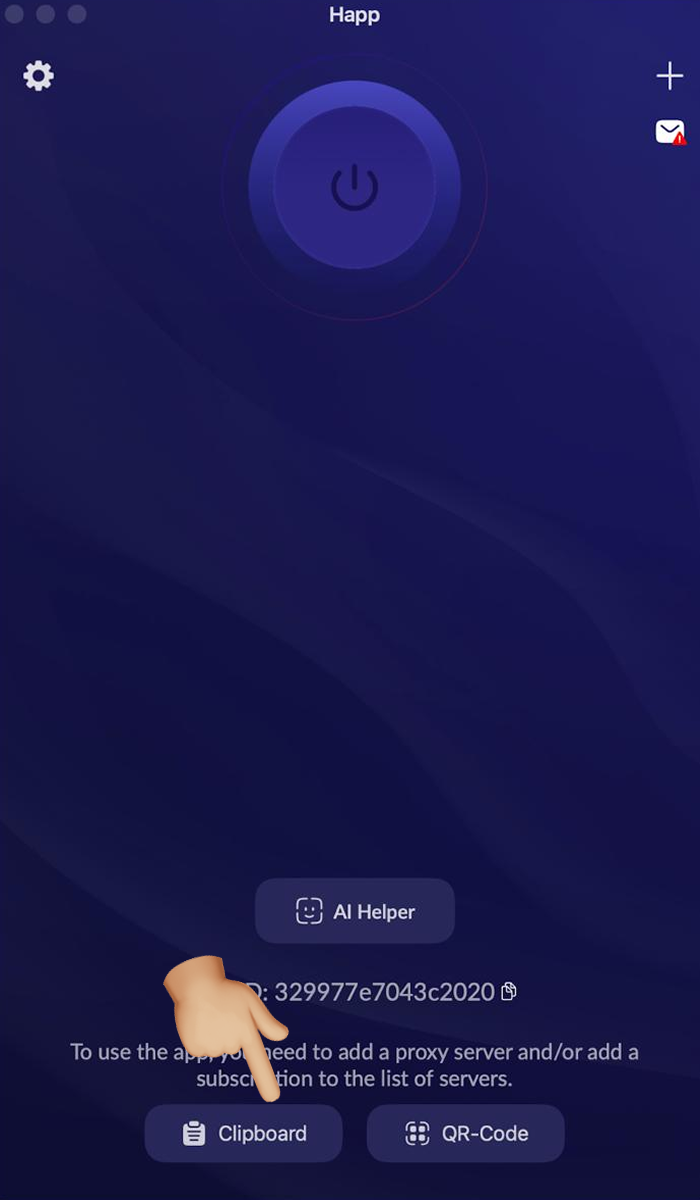
- Launch the Happ app.
- Tap the «Clipboard» button.
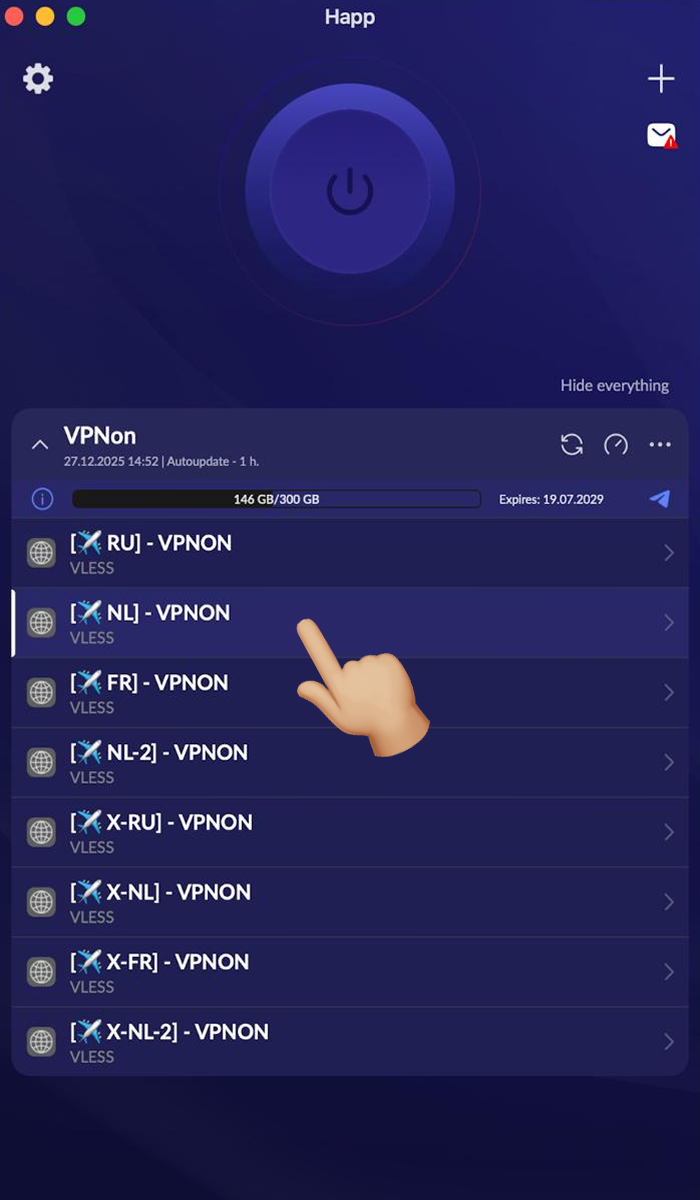
- Select the required server from the list.
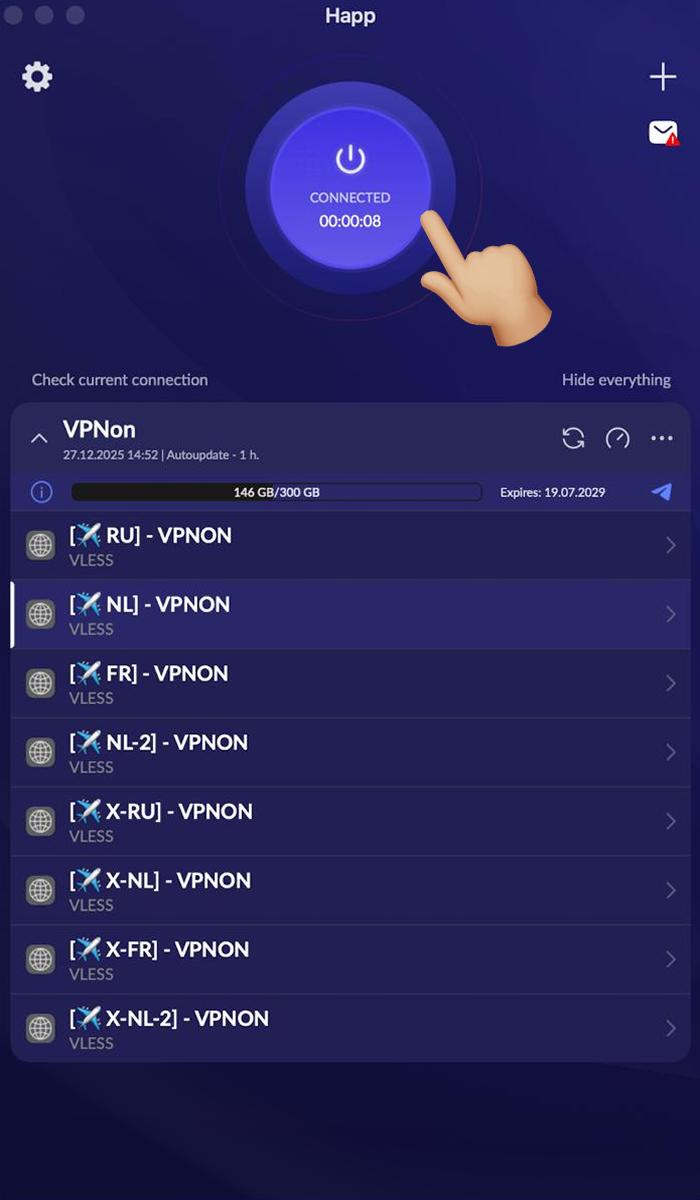
- Press the connect button and enjoy!