Connecting on Windows
Download and install the Happ app:
App Setup
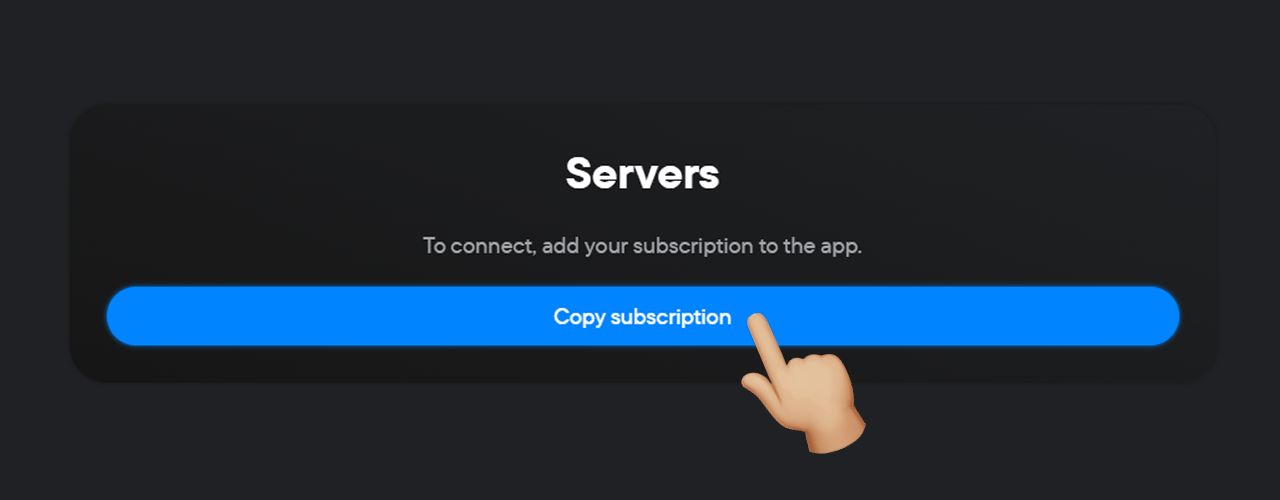
- Click the Copy subscription button in your personal account.
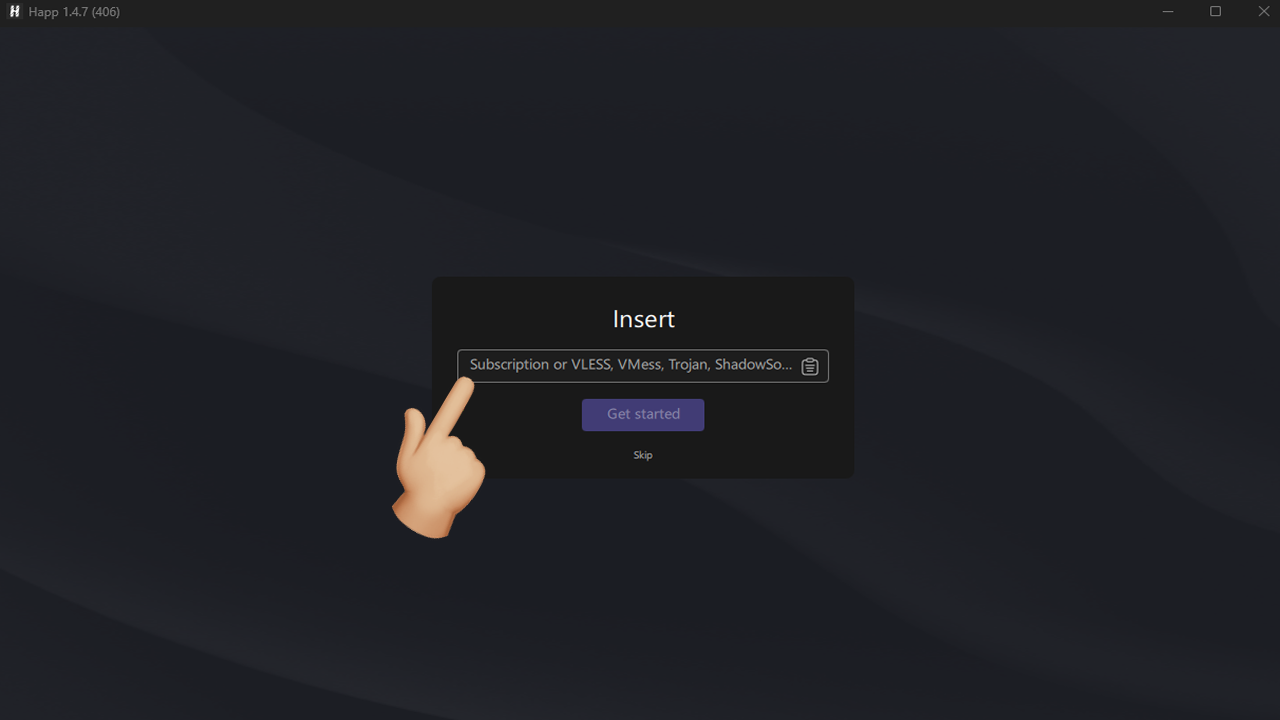
- Launch the Happ app.
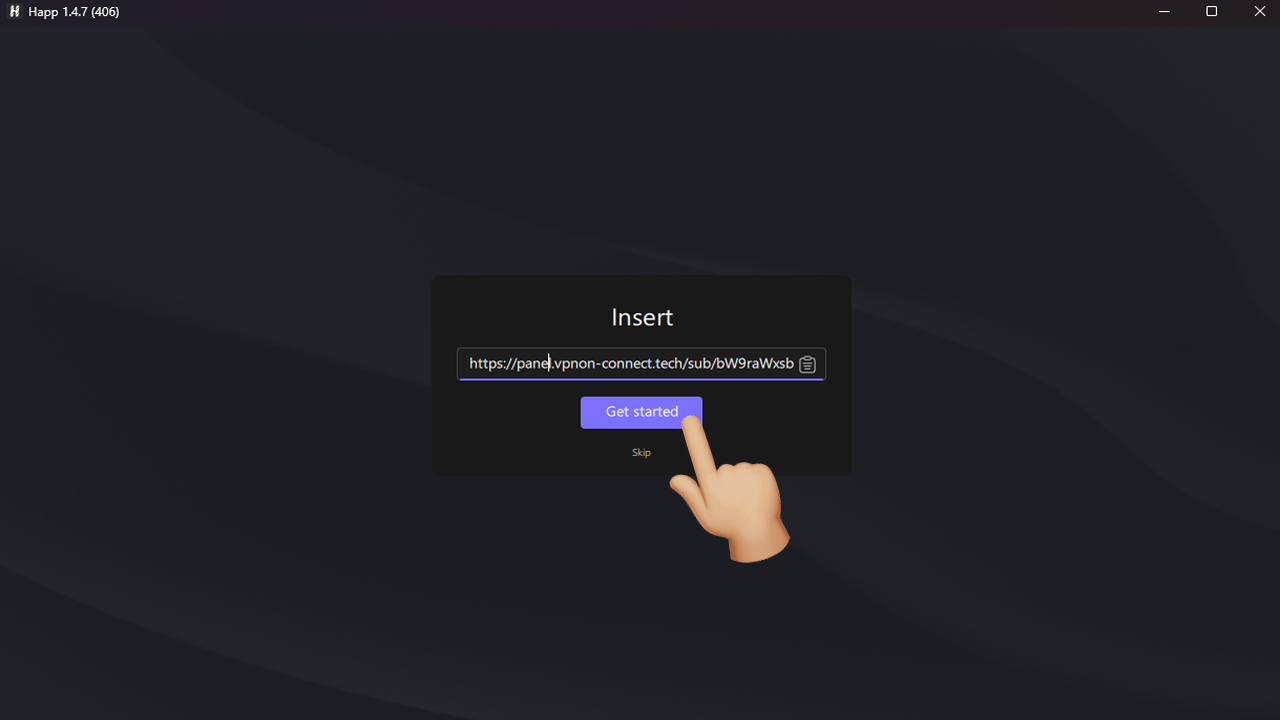
- Paste the copied servers into the field using the «Ctrl+V» keyboard shortcut.
- Click the «Get started» button.
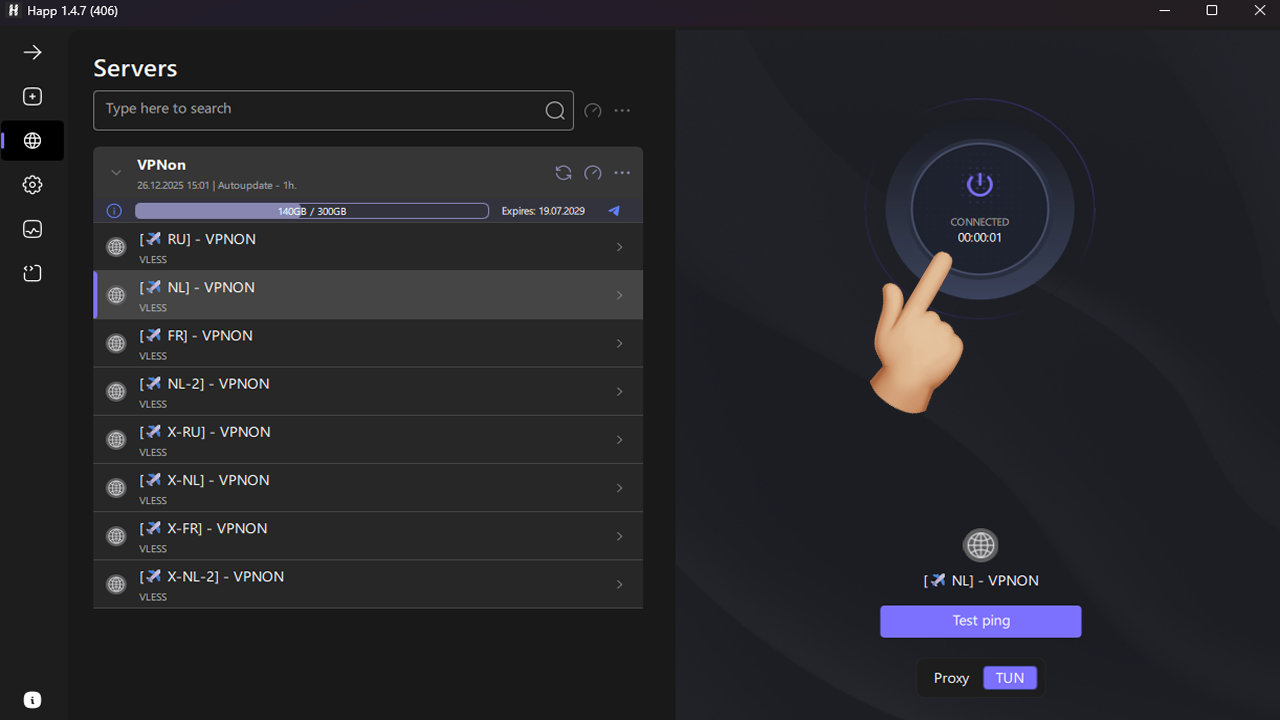
- In the left menu, select the required server.
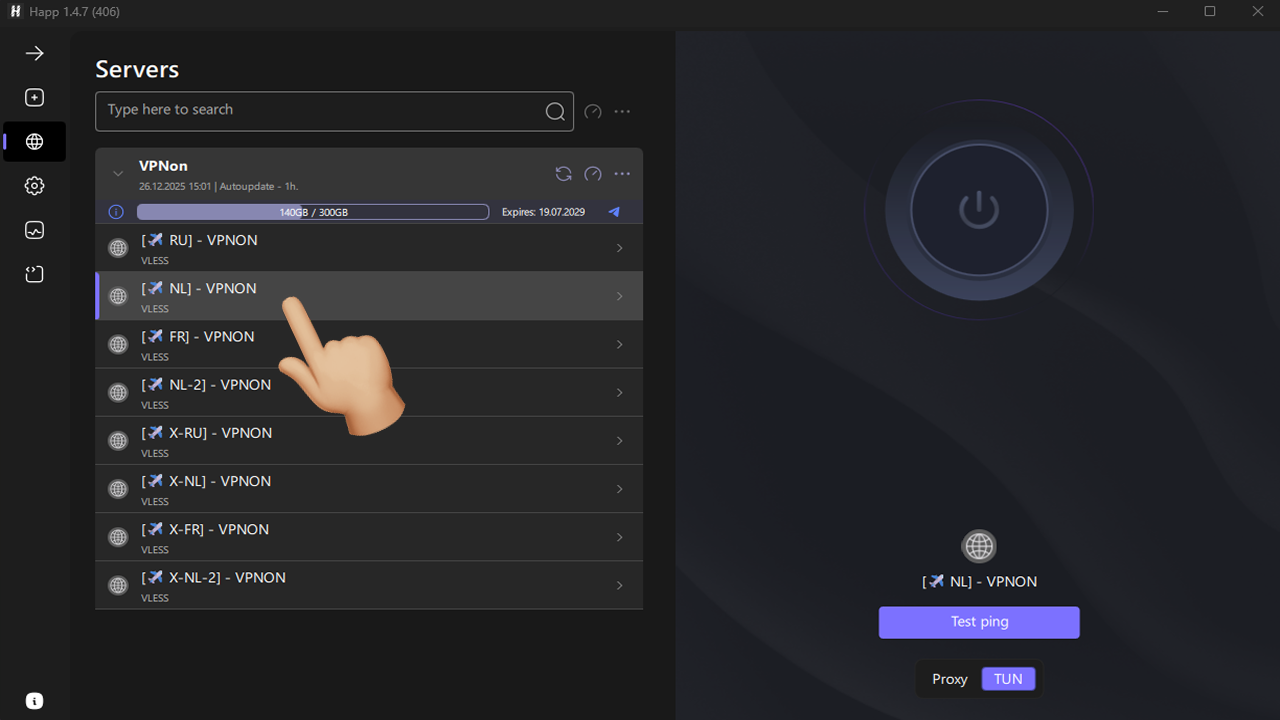
- Press the connect button and enjoy!